Telegram Adapter
KiraAI can integrate with official Telegram bots to enable sending and receiving messages in private chats and groups.
Create Bot
Open Telegram, find @BotFather in the search bar, click Start, click Open at the bottom left to enter the bot creation page. After filling in the basic information, you will receive a token.
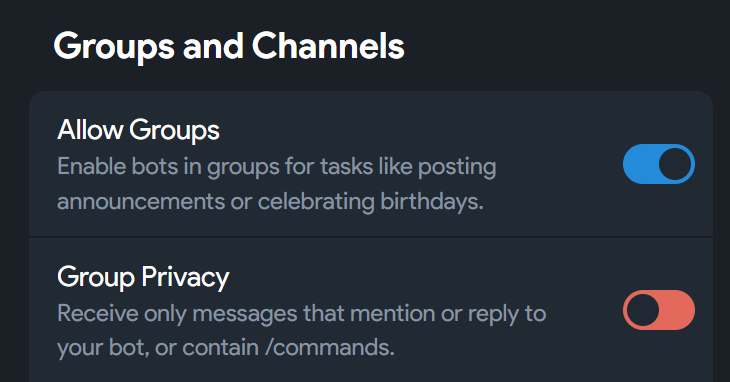
If you need to receive group chat messages, you need to enter Bot Settings
Create Adapter
Go to KiraAI WebUI, click "Add Adapter" button on the Adapter page, select adapter type as Telegram. The adapter name is strongly recommended to use lowercase English letters and underscores with platform-related semantics, for example: tg, telegram
- Bot Username: Fill in your bot's username, for example:
your_bot - Bot Token: Fill in the token you saved earlier
- Permission Mode: Choose whitelist or blacklist mode
- Group ** List / User ** List: Use
@useridinfobotto query your or the group's ID and fill it in
After saving and enabling the adapter, successful connection will print the following log:
start listening incoming messages for <your_bot>